Introduction
Microsoft Clarity can analyze user behavior on websites, and this site has also integrated it.
I personally find it quite useful; you can check the site's traffic whenever you have time.
It's also very easy to use: just add a line of code provided in the backend into the <head> tag.
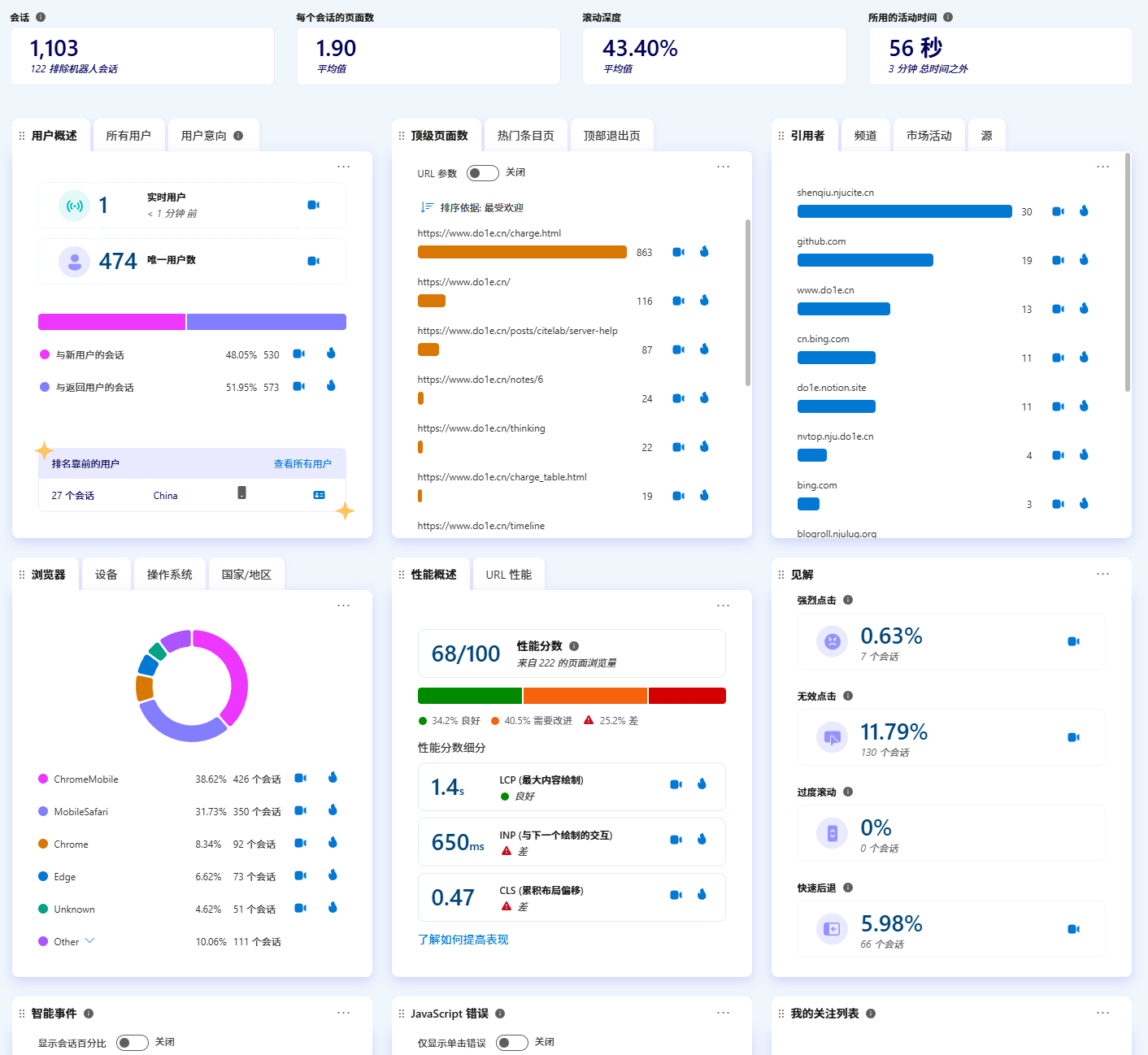
However, many ad blocking rules block Clarity's domain, so a lot of user connection information will be missing. But you can avoid this by using an nginx reverse proxy to your own domain. Here are the specific steps for your reference.
Analyzing the Request
Below is an example of the code added in the <head> tag.
CodeBlock Loading...
Or open the browser's developer tools to capture packets; you can see that the relevant code first requests https://www.clarity.ms/tag/abcdefg, and after downloading, it's a JavaScript script:
CodeBlock Loading...
There are 3 links in it:
- https://c.clarity.ms/c.gif
- https://www.clarity.ms/s/0.8.13-beta/clarity.js
- https://z.clarity.ms/collect
You need to replace the above links one by one.
Replacing Links and Reverse Proxy
Assuming your domain is example.com, you can create a subdomain clarity.example.com and point it to an nginx server on your public network.
At this point, you can save the script obtained from https://www.clarity.ms/tag/abcdefg to /var/www/html/tag/abcdefg.
CodeBlock Loading...
Then replace the above 3 links in order as follows:
- https://clarity.example.com/c.gif
- https://clarity.example.com/s/0.8.13-beta/clarity.js
- https://clarity.example.com/collect
After that, you also need to download https://www.clarity.ms/s/0.8.13-beta/clarity.js to /var/www/html/s/0.8.13-beta/clarity.js. The version may have changed by the time you read this, so adjust accordingly. The above /var/www/html directory can also be modified as needed, but be careful with permissions to avoid the nginx process being unable to access it. At this point, the directory structure looks like this:
CodeBlock Loading...
nginx reverse proxy configuration reference:
CodeBlock Loading...
Reconfiguring the Website
Replace www.clarity.ms in the script originally added in the website's <head> with clarity.example.com. That's it! Try visiting your website and check if there are online real-time users in the backend!
Drawbacks
- The drawback after doing this is that the backend will show all visitor locations as coming from that nginx server. It would be great if Microsoft could determine the location based on request headers.
- It cannot automatically follow Microsoft's upgrades to
clarity.js, but you can write a script to automate it. Here's a reference code:
CodeBlock Loading...